A genuinely minimal Home Screen is harder to build than a busy one — anyone can add widgets until the page is full. Removing things until only the necessary ones are left takes an actual decision about what “necessary” means for you.
Start with one widget
Not the widget that looks best in a screenshot — the one you’d genuinely miss if it disappeared tomorrow. For most people that’s a clock or a countdown, not a photo or a health ring. Live with exactly one for a few days before adding a second; it’s the only way to tell whether the first one is actually earning its space.
The empty-page trick
Touch and hold an app icon, tap Remove App → Remove from Home Screen. The app stays installed and searchable in the App Library — this doesn’t delete anything, it just takes the icon off the page you see first.
Repeat until the page holds only the one or two apps you open by tapping, not searching, and your widget. Everything else reaches you through Spotlight in three typed letters, which is faster than hunting a second Home Screen page anyway.
Four packs built for this
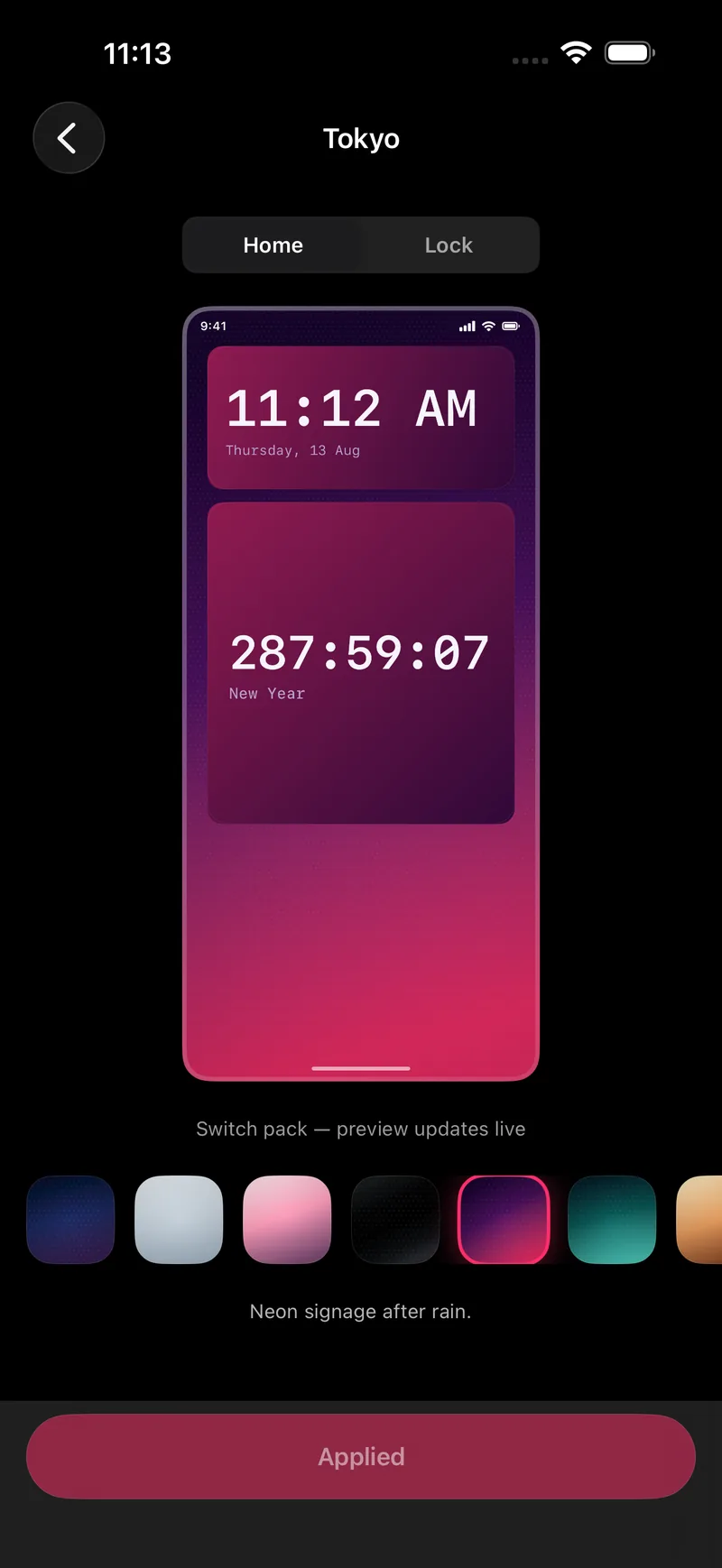
These four are free forever, and restraint is the actual design brief behind each of them, not a stripped-down version of something louder:
- Minimal — pale surfaces, one accent, the pack this whole style is named after.
- Nordic — cool greys and one muted blue, slightly more atmosphere than Minimal without adding a second accent.
- Blueprint — technical-drawing blue with a fine grid, for anyone who wants minimal without going all-grey.
- Linen — warm off-white with visible texture, the pack to reach for if Minimal’s palette feels too cold.
What to do about the icons you keep
iOS doesn’t let a third-party app recolour another app’s icon, so a handful of mismatched app-icon colours next to a carefully matched widget is the most common way a minimal screen breaks. The fix isn’t a workaround — it’s fewer icons. A page with one widget and zero app icons has nothing left to clash.
The Lock Screen counts too
The screen you unlock to is the one you actually see most, and a minimal Home Screen behind a busy Lock Screen still reads as unfinished. One small widget under the clock — Clock, Water or Countdown all work at that size — keeps the same restraint on both screens instead of only the one people take screenshots of.
FAQ
Is a minimalist Home Screen just an empty Home Screen?
No — an empty screen with no widgets tells you nothing when you glance at it. A minimalist screen has exactly the widgets that answer a real question, in colours that don’t compete, and nothing else.
Do I have to delete apps to go minimal?
No. Moving an app to the App Library removes it from the Home Screen without deleting it or its data — it stays installed and searchable, just off the page you look at first.
Which packs are actually free for this?
Minimal, Nordic, Blueprint and Linen are four of Novique’s ten free-forever packs, and all four were built around restraint rather than needing to be unlocked as a "premium minimal" option.
Won’t a minimalist screen get boring?
The Countdown, Clock and Quotes families are free and change daily or by the second, so a minimal screen can still feel alive without adding more widgets — it changes what’s on it, not how much is on it.